
Colorado County Warrant Search Sources
Colorado County puts its criminal index on Tyler Odyssey/UCMS, which the County Clerk links for public case searching. Treat the portal as a starting point, since case indexing is not the same thing as a live warrant roster. The sheriff's own website offers no separate public warrant-search form, and each Justice of the Peace court and municipal court holds its own traffic, ordinance, and Class C files. A result that turns up can still be useful, because it may point you to a cause number or the issuing court; note the court and call its published clerk number for a personal status check. The County Clerk's portal page also links a separate public-access index, while re:SearchTX handles civil and probate material. The county's official criminal portal entry screen is where the case search begins.
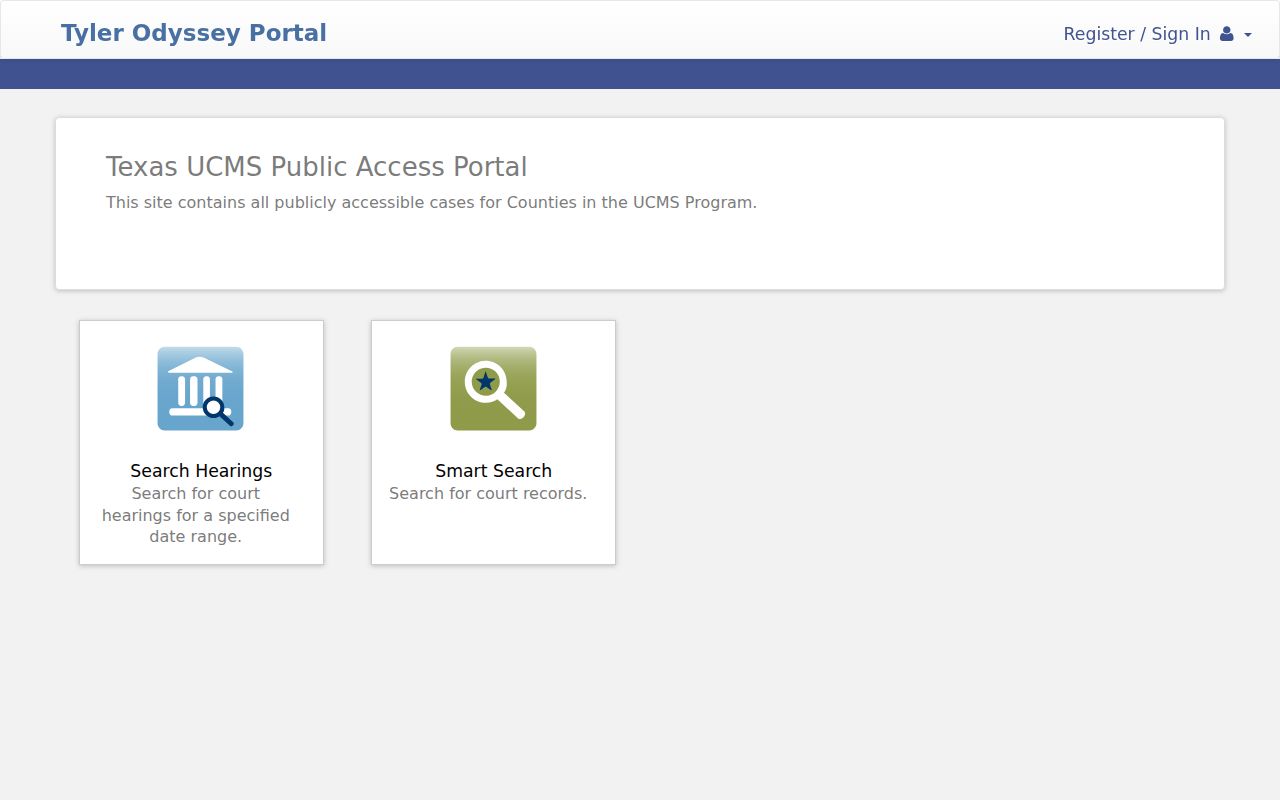
Find the case in the portal first. Then ask the Colorado County court to explain any process label or status code it shows.
Colorado County Warrant Searches
Begin with the court most likely to hold the citation or case. Run Tyler Odyssey for a County or District Court criminal matter, then go straight to a lower court when the issue is a city ticket or a JP citation. Weimar municipal violations have their own public search by several fields. No county index or sheriff contact page covers every local warrant, so expect to try more than one office. Before searching, gather the legal name used in the case, date of birth, citation or cause number, and city or precinct. A common name alone can return an uncertain match. Never send a Social Security number by email. Helping a relative? Have them confirm the details with the court in Colorado County themselves.
- Search the County Clerk's Tyler criminal portal and write down the court and case number shown.
- For a Columbus, Eagle Lake, or Weimar ticket, contact that city's municipal court.
- For a county traffic or fine-only case, call the JP precinct listed on the citation.
- For certain traffic holds, use the official Texas FTA tool with your own driver's-license number and date of birth.
- If no status appears, call Sheriff Communications for routing or submit a precise request for existing public records.
- Ask whether the court records an arrest warrant, FTA, capias, or capias pro fine.
- Confirm the procedure for payment, reset, voluntary appearance, bond, or recall with the issuing court.
The court, not an index result, confirms whether its process is still active.
Colorado County Warrant Searches Need Court Calls
In Colorado County, the right office depends on where the case started. A ticket written inside Columbus may belong to Columbus Municipal Court, while a county citation in that area may sit with JP1 or JP3. Weimar has a municipal court and JP2; Eagle Lake has a municipal court and JP4. Ask which court filed the citation before visiting or paying anything. The Justice Courts directory links all four precinct offices, and the county's Communications page lists 979-732-2388, extension 1, for non-emergency routing. Dispatch can point a question the right way, but it cannot reset a court date or recall a court order. When a portal returns nothing, call the court named on the notice before treating that result as final.
What a Warrant Search Asks For
The County Clerk's criminal portal does not publish its exact search fields. Weimar's municipal service does show separate search cards, with required status listed as unspecified. Those inputs fit city cases only, not every Colorado County court's system.
| Field | Type | Required | Notes |
|---|---|---|---|
| Citation number | Text | Unspecified | Paired with date of birth |
| Driver's license | Text and state | Unspecified | Paired with date of birth |
| Name | First and last | Unspecified | Paired with date of birth |
| License plate | Text and state | Unspecified | Vehicle search route |
| Business name | Text | Unspecified | Separate search option |
The County Clerk's Records Public Access index is a finding aid, not a certified record. It suggests trying spelling variations, and images may be unavailable during system backups. The County Clerk Records Public Access page carries the index disclaimer itself, and it is not a live warrant result.
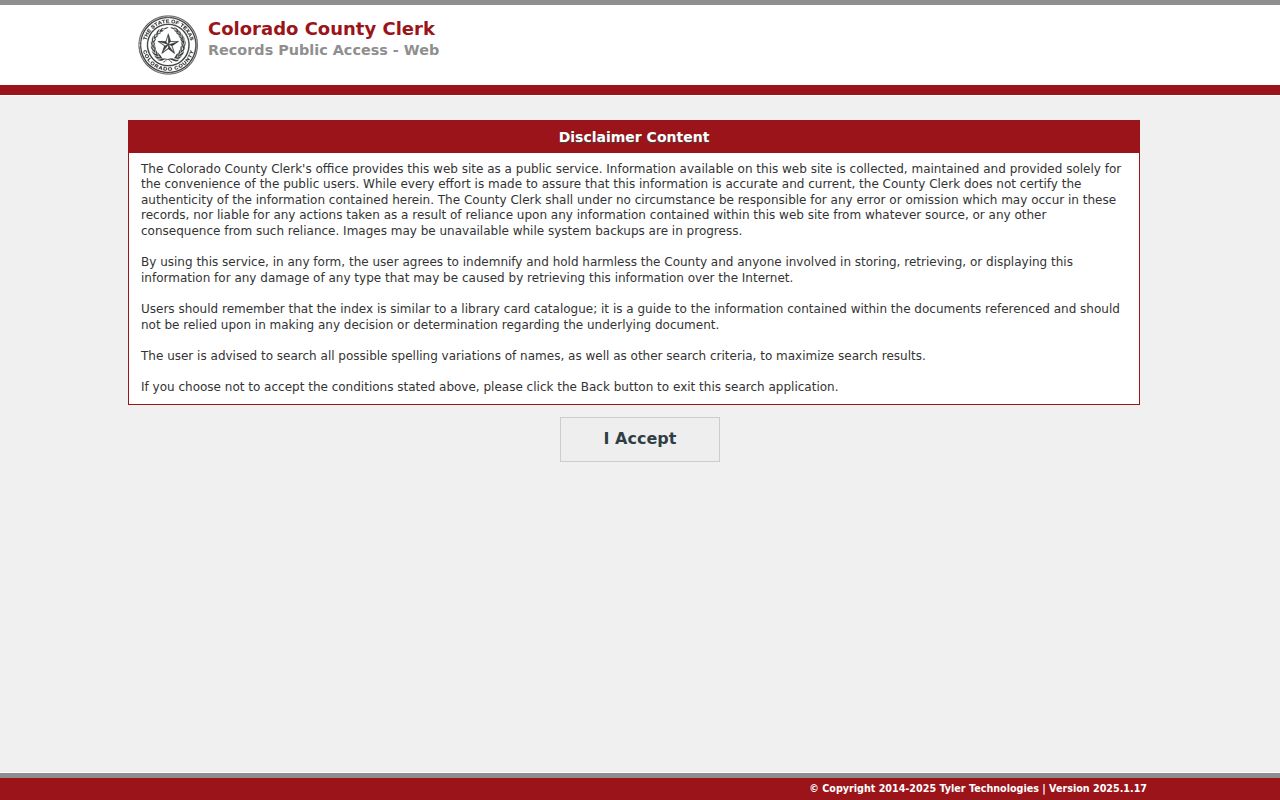
Try a name variation or a case number to find a possible file. Then ask the Colorado County clerk to verify its status.
Colorado County Warrant Search Results
A case result can tie a process label to the right file, though the data schema varies. Colorado County publishes no sample number format to copy. Read the issuing court and process type first, then call that office for current bond or payment details.
| Case number | Format not published; record the exact number returned by an official source. |
|---|---|
| Process | May say arrest warrant, FTA, capias, or capias pro fine if that field is public. |
| Underlying matter | Traffic, ordinance, Class C, county-level misdemeanor, felony, or another case type. |
| Issuing court | Identifies which judge or clerk can confirm current status. |
| Bond or balance | Not a universal amount; ask the court for the current figure and accepted method. |
| Status and dates | Issue, service, recall, or update dates may be shown, but do not assume the screen is current. |
Keep a copy of the case number and any written court direction. The Colorado County Clerk's Records Public Access notice says images may be unavailable during backups and recommends checking spelling variations.
Colorado County Warrant Search Records Request
When a portal is not enough and you need an existing responsive record, file a written Texas Public Information Act request. The county's Public Information Request page links the current form and Attorney General instructions, and your request should describe the court, date range, type of process, and format sought. Ask to inspect or copy an existing record, not for a new certificate saying no warrant exists. The county does not publish the current PDF's exact fields, fee language, or delivery options in text, so ask for the current form instructions before sending payment or sensitive information. One caution on terminology: the Sheriff's Civil Process page lists writs, including civil writs of capias, and that is not a Colorado County criminal-warrant search. Its categories say nothing about a person's arrest or traffic case, which is why the process type must be read before choosing an office.
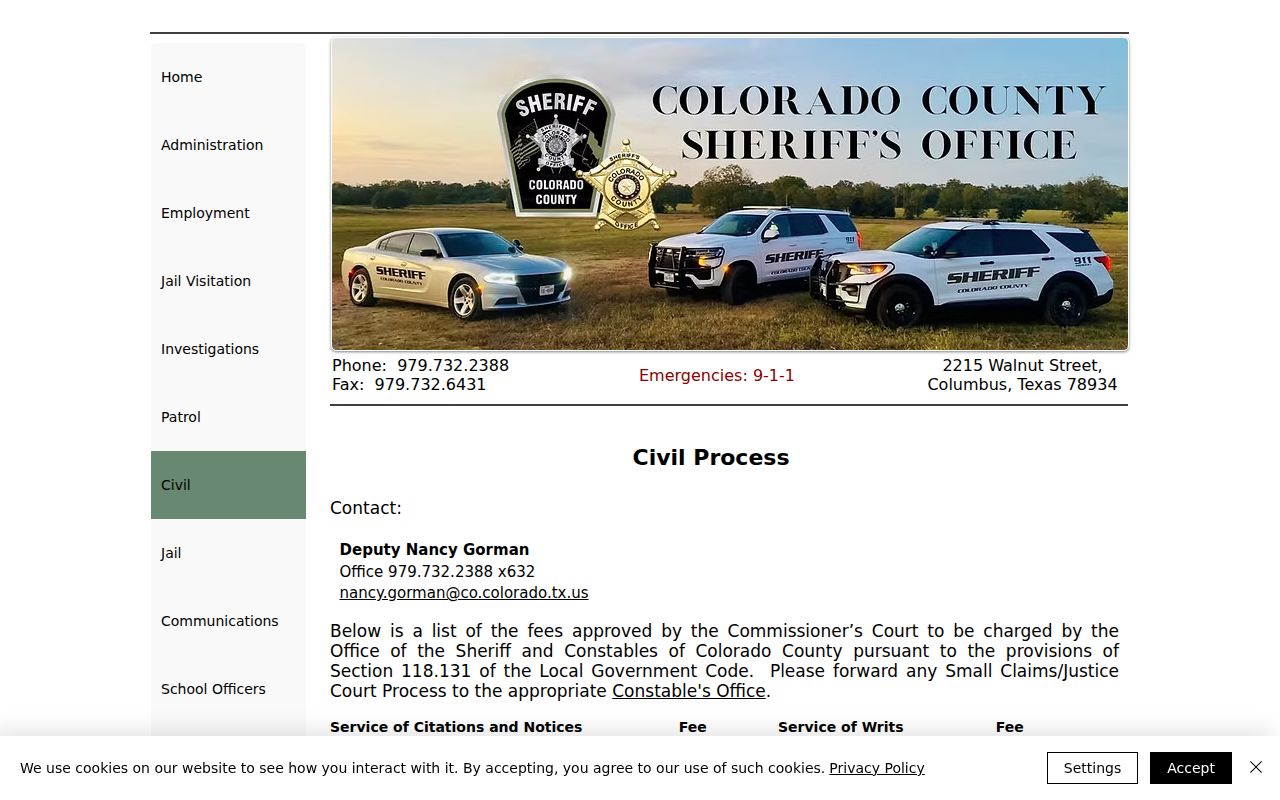
A county record request also remains subject to legal exceptions for protected information.
Colorado County District Clerk Search Counter
Colorado County District Court records sit with the District Clerk. Visit Room 103 at 400 Spring Street, or call 979-732-2536. Public search terminals are available there. Copies run $1 per page. That is a document-copy fee, not a warrant or bond amount. Before you go, identify the case and confirm which clerk holds it, because a JP or municipal warrant stays with its issuing court even when the District Clerk has a terminal nearby.
Colorado County Warrants: Who Holds What
The County Clerk keeps Constitutional County Court criminal records, including Class A and B misdemeanor matters. The District Clerk handles District Court felony and related district records. JPs keep their own fine-only cases, and Columbus, Eagle Lake, and Weimar Municipal Courts keep city matters. The sheriff's site has communications and jail contacts but no public all-warrant roster.
County constables primarily handle civil service and do not run separate 24-hour emergency dispatch. The sheriff's Constables page gives precinct contacts and points non-emergency law-enforcement questions to Sheriff's Communications.
The official Colorado County constables page shows the four-precinct contact layout pictured here. It is useful for routing, not a criminal warrant list.
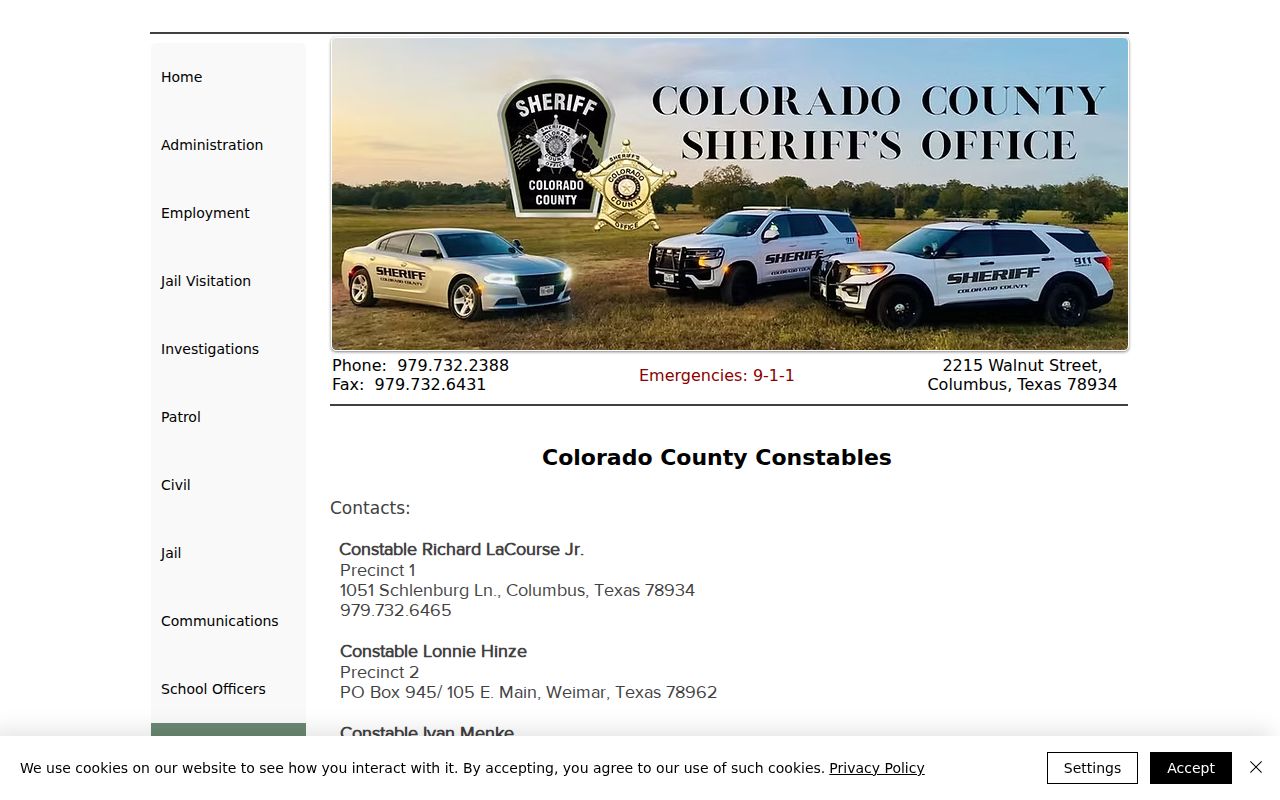
Colorado County's clearest answer sits with the court named on your citation or case notice, so begin there before any wider warrant search.
Colorado County Search Gaps Need Court Calls
Any search has blind spots. A lower-court record, a fresh entry, sealed material, or a juvenile file can slip past a Colorado County lookup. The County Clerk's index is not certified. The sheriff publishes no public warrant form either. Texas runs no single statewide warrant database. Its FTA/Failure-to-Pay program covers only certain reported traffic matters and driver's-license holds, not every warrant. The re:SearchTX site works only for the civil and probate documents the County Clerk links there. For an adult criminal status check, return to Tyler or ask the issuing court directly. If a matter crosses multiple courts, call each one and keep the response date and case number. A blank result is one data point, not a countywide clearance.
Which Warrants Stay Restricted
Open-records access has exceptions. Texas Government Code Chapter 552 allows public inspection of government records, yet Colorado County law-enforcement information may be withheld when release could interfere with detection or prosecution. Court access rules also govern warrant documents. Juvenile files carry special confidentiality limits under the Texas Family Code.
Key rules:
Texas Government Code, Chapter 552 covers access to public information and its exceptions.
Section 552.108 may protect some law-enforcement information.
Texas Family Code, Chapter 58 restricts juvenile record access.
Colorado County courts can tell you what is public and what process exists for a restricted record.